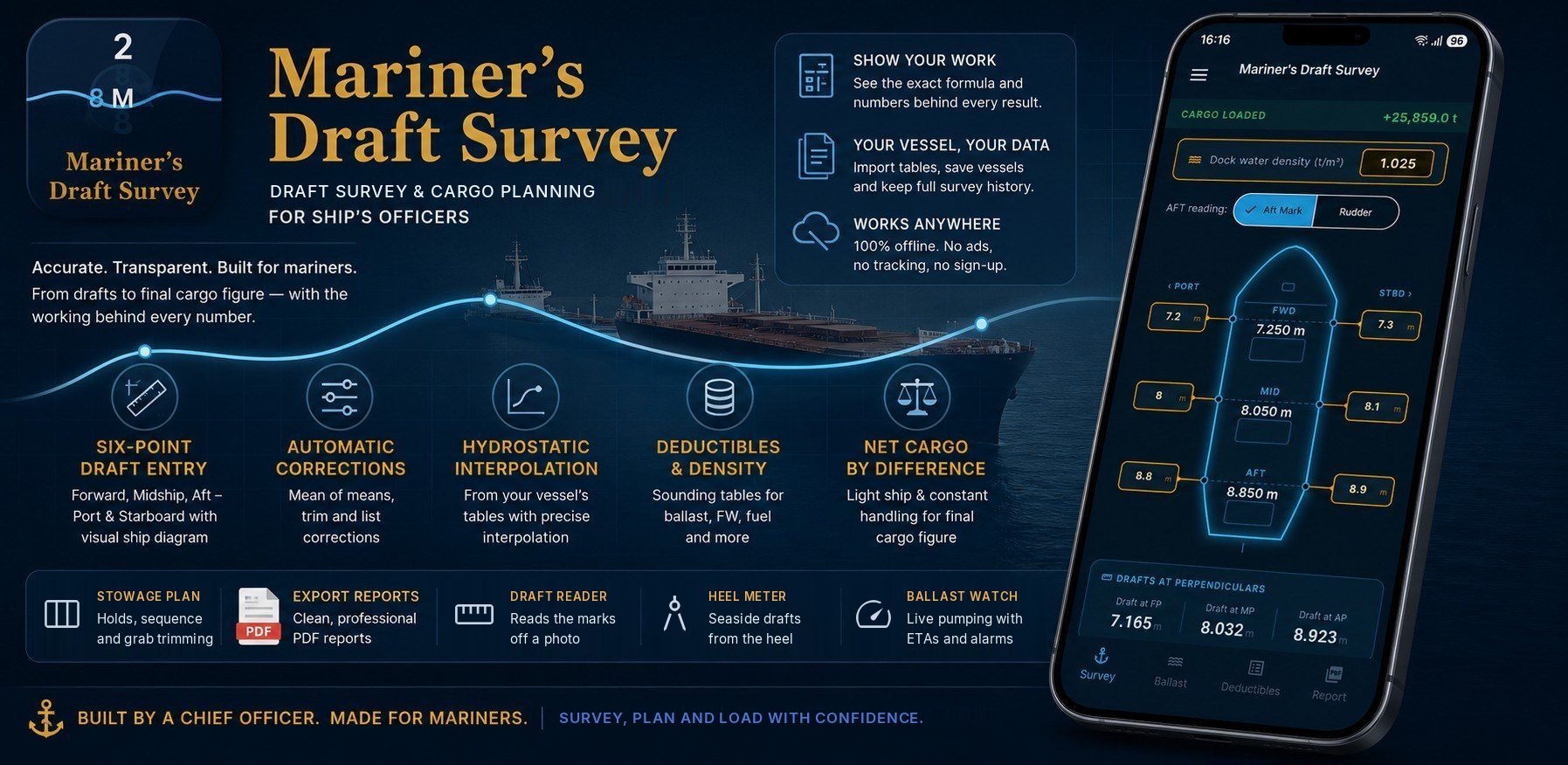
Mariner's Draft Survey is a working tool for chief officers and cargo officers on bulk carriers. It does the draft survey — from the six drafts to the final cargo figure — and the cargo work around it: stowage plans, loading and discharging sequences, trimming the last tonnes, ballast and the passage. Every figure shows the working behind it.
Everything runs on the phone and works fully offline — no signal, no account, no ads. On Android now, and coming soon to iPhone.
See how it works
Walkthroughs and feature videos, straight from the playlist — search for a topic, or browse with the arrows. New videos appear here as they are added.
Everything in one place
From the drafts to the final cargo figure, and the cargo work around it — with the working behind every number.
From six drafts to the cargo
- Forward, midships and aft, port and starboard, on a ship diagram; aft marks or rudder.
- Mean of means with hog or sag, first and second trim corrections, list and dock-water density.
- Deductibles and constant, net displacement and the cargo by difference.
- Show your work: tap any figure to see its formula and the numbers in it.
Read the marks from a photo
- Mark the draft scale on a photo; the app reads the figures and metre marks for you.
- 10 cm ticks, a magnifier and numbered waterlines for a swell — crests and troughs averaged.
- Lay screenshots of the crests and troughs over the photo to mark them faster.
The side you cannot read
- The phone as an inclinometer: work out the offside drafts from the heel when the seaside marks are out of sight.
- Calibrated against your own ship, with a log of every reading.
Tanks and Ballast Watch
- Soundings or ullages to volumes and tonnes, with trim and heel corrections, at each tank’s own density.
- Ballast Watch: live pumping monitor with alerts before a tank fills or strips — even with the app closed.
Plan the load, step by step
- Stowage plan to a target trim with trimming holds, several cargoes, loading on top of cargo already aboard, and the load line limit.
- Loading and discharging sequences with gangs, pours and ballast at every step — arranged for you or fully by hand.
- Draft log: record the drafts at each step against the saved plan, compared at the marks.
The last tonnes, by the grab
- Trimming calculator: the tonnes for each hold to finish on the trim you want.
- Grab Counter: one tap a grab — grabs and tonnes to go, the rate and an ETA for every hold.
Every limit on the way
- Cargo voyage planner: draft, displacement, under-keel clearance and air draft at each waypoint, with what is burnt and made.
- Density change, load line and air-draft clearance, worked from your ship’s own tables.
Figures you can defend
- When the shore’s per-hold figures do not add up to the surveyed total, apportion the difference hold by hold, phase by phase.
Sheets ready to sign
- PDF reports for the survey, ballast, stowage plan, sequence and draft log, voyage and hatch by hatch.
- Your company logo, your signature places and your own remarks.
Your tables, your data
- Hydrostatic and tank tables from Excel, CSV or a photo of the booklet page — checked for mistakes on import.
- Vessel profiles, survey history, saved plans, and a full backup to one file.
- A sample vessel to try every screen before setting up your own.
Works anywhere
- 100% offline. No ads, no account, no sign-up.
- Your ships, surveys and photos stay on your phone.
- On Android now; coming soon to iPhone.